
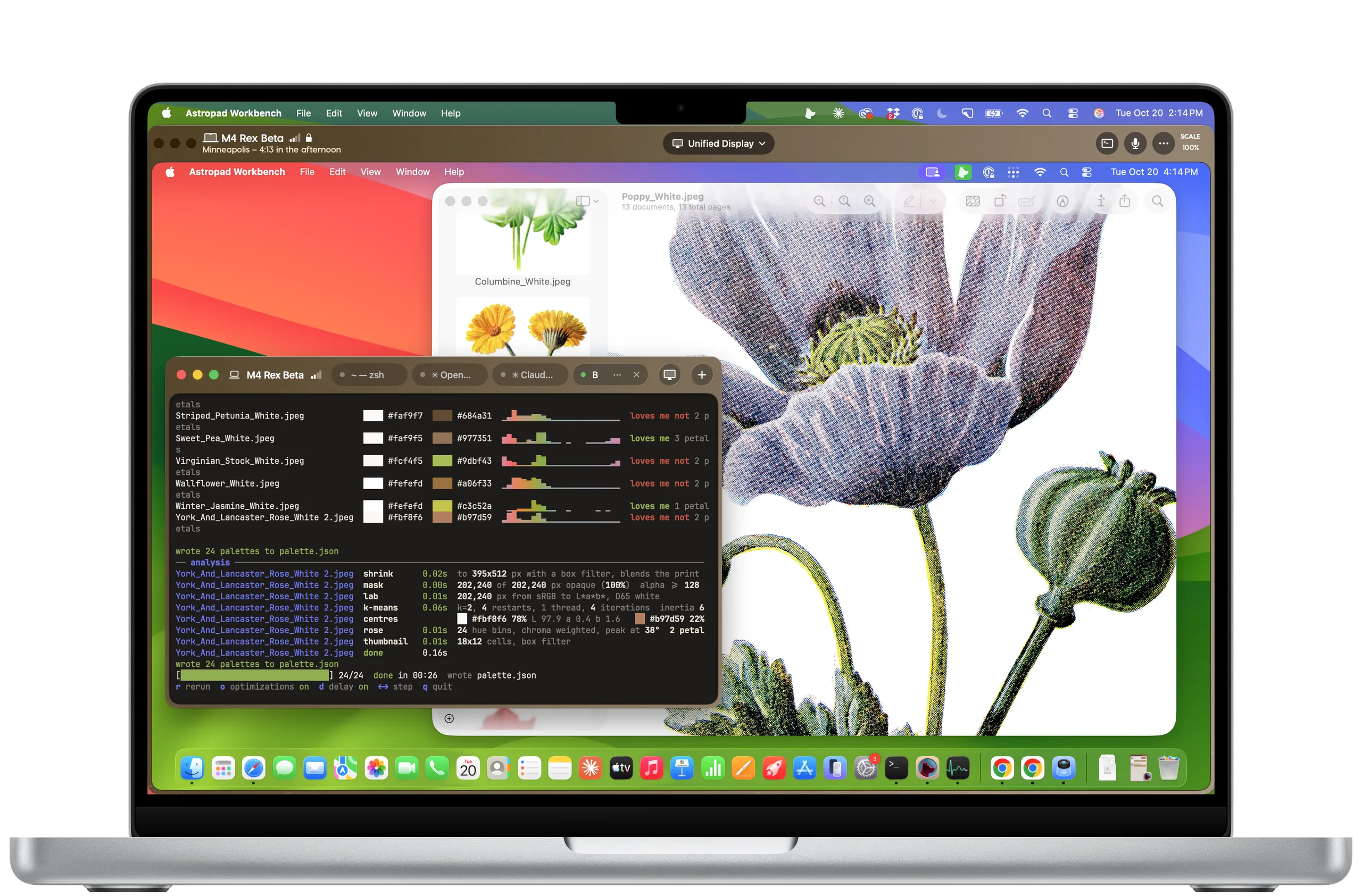
We just shipped Workbench 1.4 with two big additions:
Terminal lets you open a command line session on your Mac from any of your devices. It keeps running after you disconnect, so you can check in on an agent without pulling up the whole desktop.
Plus, Workbench now runs natively on the new iPhone Duo.
How to update: Launch the apps on your devices and you’ll be prompted to download the latest version. Or you can grab the latest app downloads here.
Toggle between desktop and terminal
Go from the command line to the full desktop and back, without reconnecting.
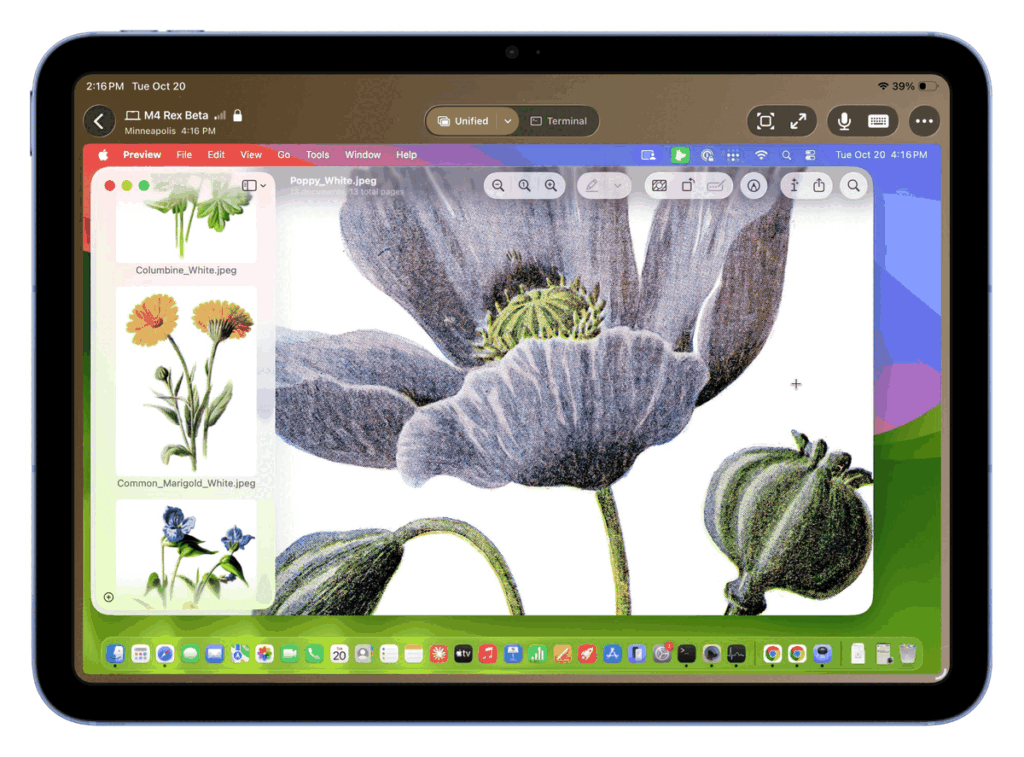
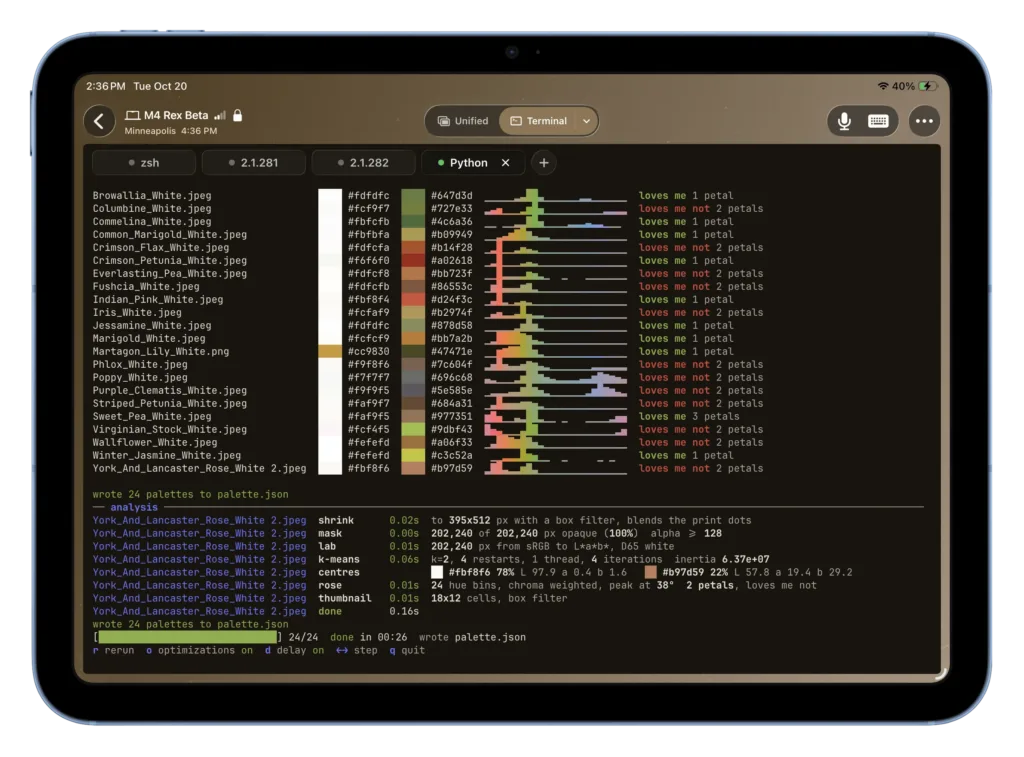
- Toggle anytime: Switch between Desktop and Terminal whenever you want, right from the toolbar. On Mac, terminal opens in its own window.
- Hand-off between devices: Start a session on your iPad and check in on it later from your iPhone or another Mac. It keeps running in between.
- Dictate commands: Use voice input to send prompts and commands straight into the terminal.
- Fast on weak connections: When video struggles, terminal keeps up.

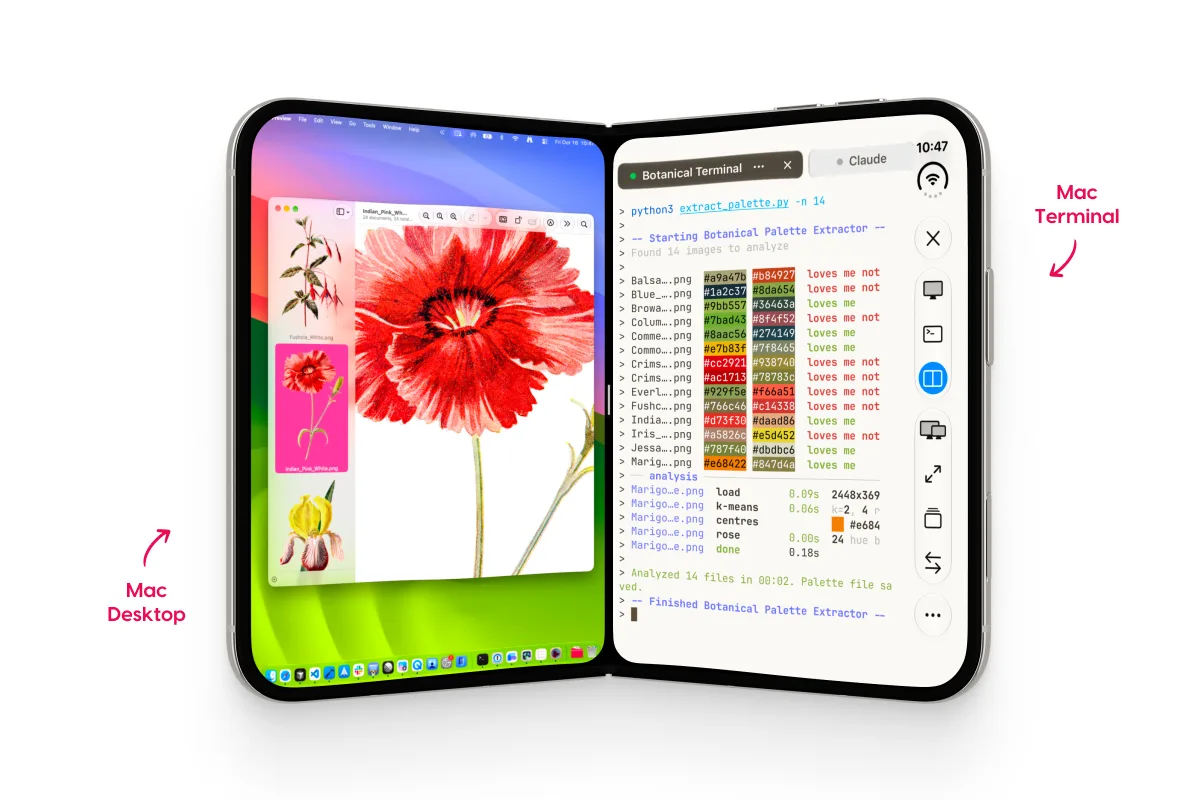
Support for iPhone Duo
Workbench runs natively on the new iPhone Duo. Keep tabs on an agent running in one pane without it taking over your whole phone.
Mac-to-Mac file transfer
Now you can drag and drop files between Macs during terminal sessions.
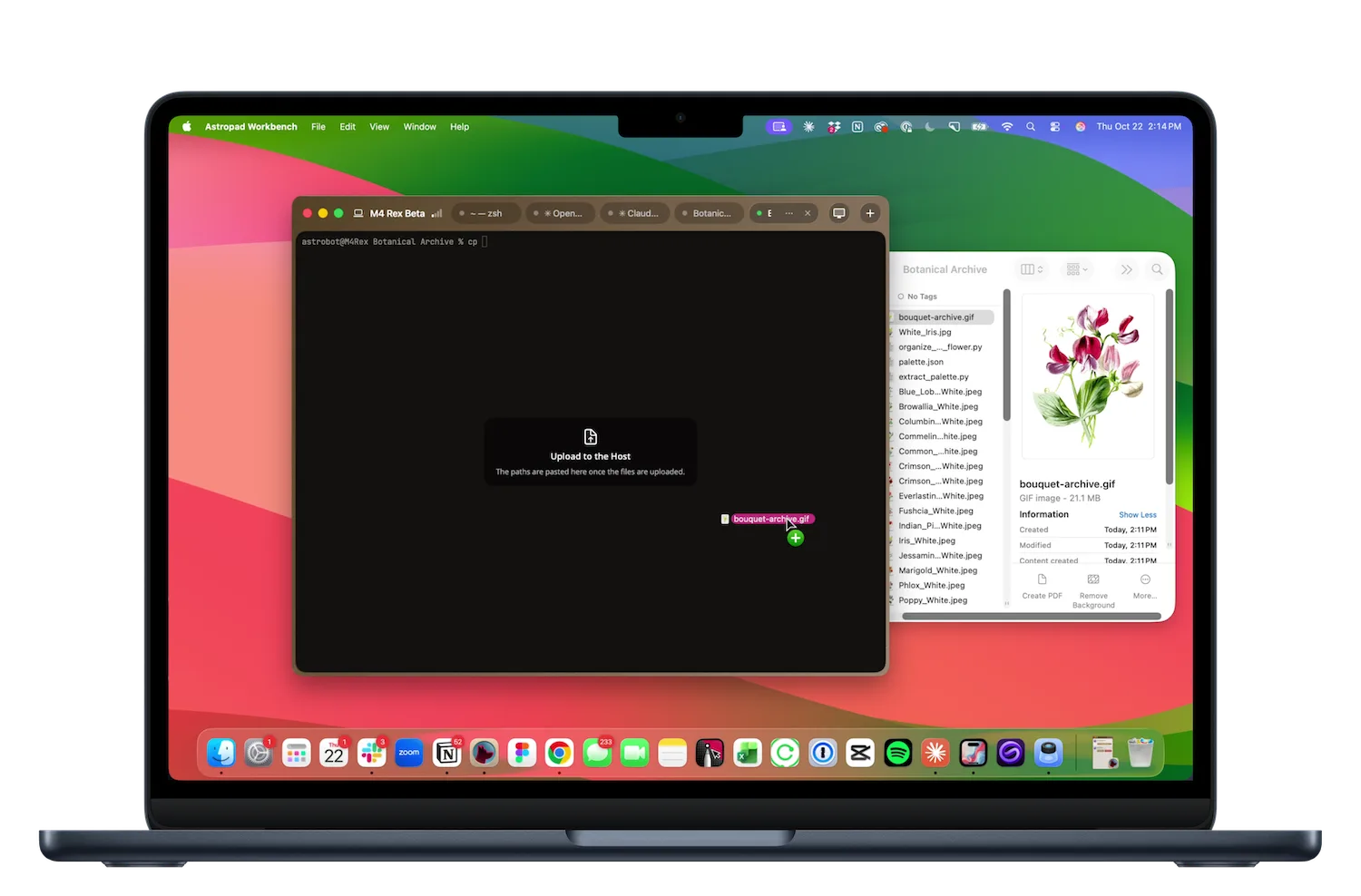
More bug fixes and improvements 👾
✅ Full-screen improvements: Sessions now cover the entire display, menu bar area included, with no border or rounded corners. Dictation works in full screen too.
✅ More reliable connections: Automatic H264 fallback when your Mac can’t encode HEVC, support for mixed connection types, and fixes for sign-in and offline screens that could get stuck.
Try Workbench free for 20 minutes/ day
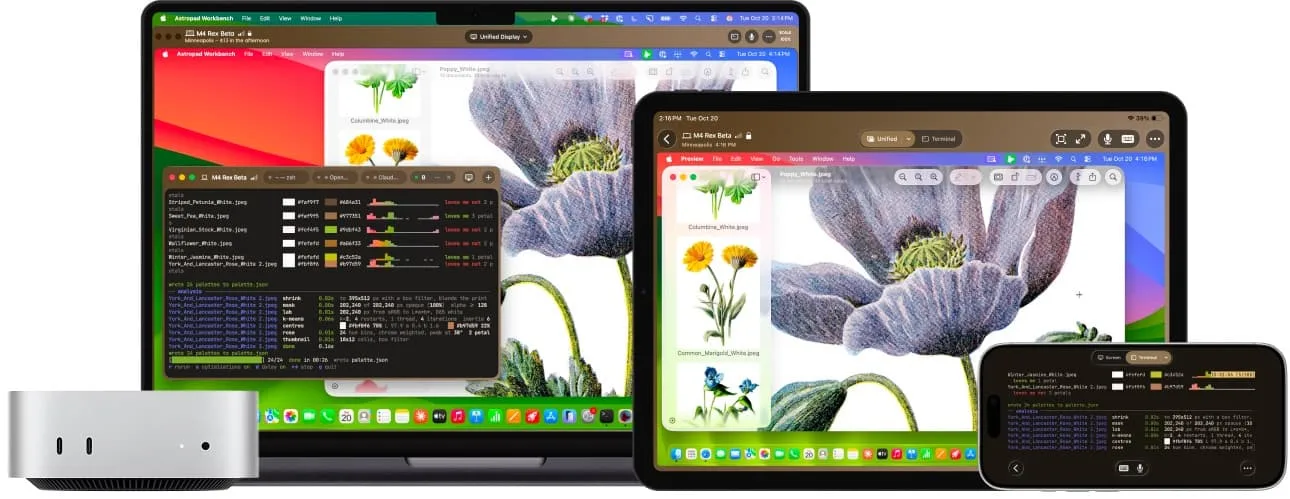
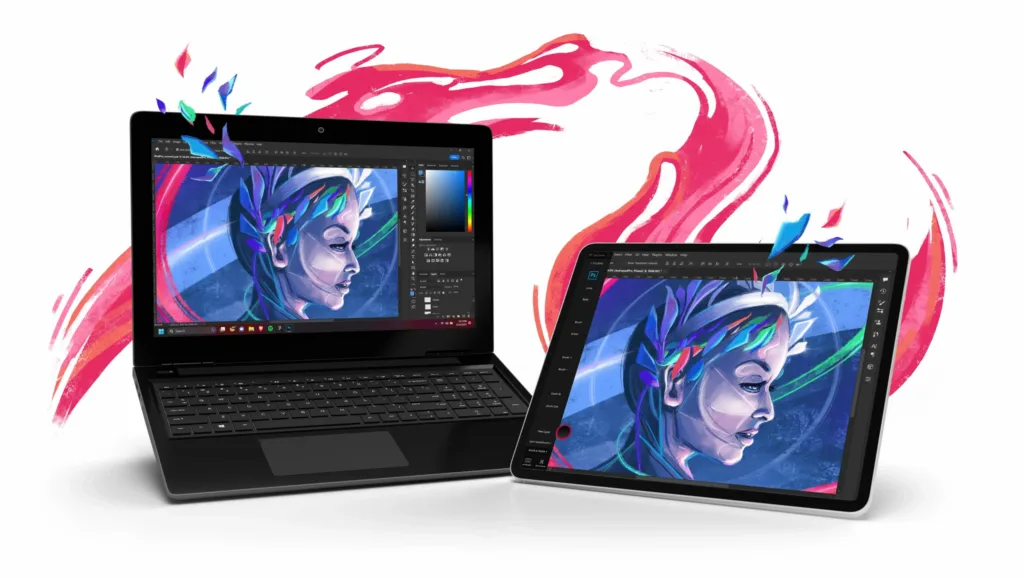
Need to connect to your Mac remotely? Workbench is designed for AI agents, headless Mac mini, and always-on computing.
- Fast, high-fidelity streaming. Interact with your Mac in real time with extremely low latency, even on high-resolution displays.
- Voice input for prompts. Dictate commands directly to your agents from your iPhone or iPad.
- Built for Apple devices. Remotely control your desktop from your iPad, iPhone, or another Mac.