

Workbench
Access and control your AI agents from anywhere
Remote desktop for AI agents, headless Mac mini, and always-on computing
DownloadTry it free for 20 minutes per day
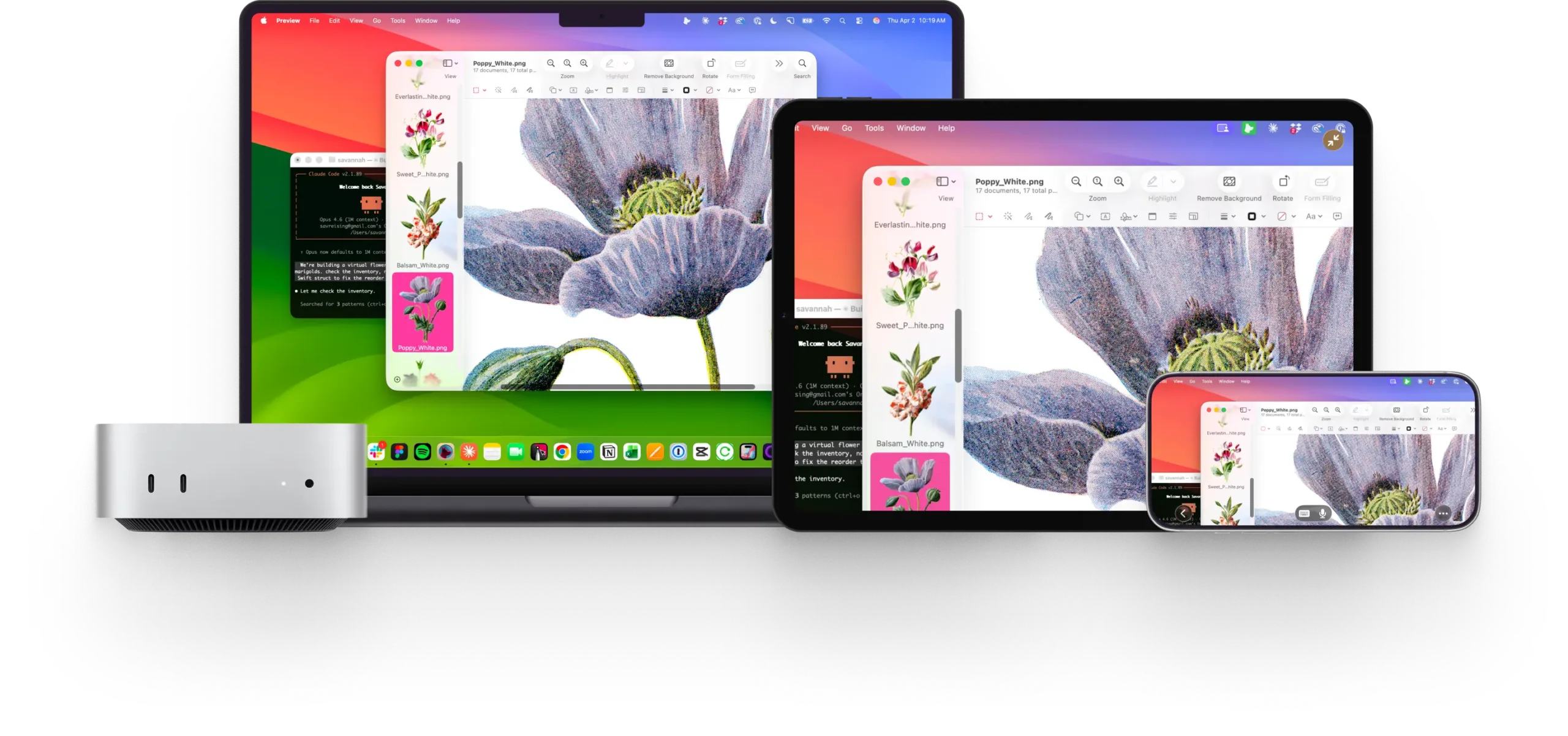





Remote desktop for the AI era,
not IT support
Interact with apps, navigate your desktop, and control your system with speed and responsiveness that feel natural.
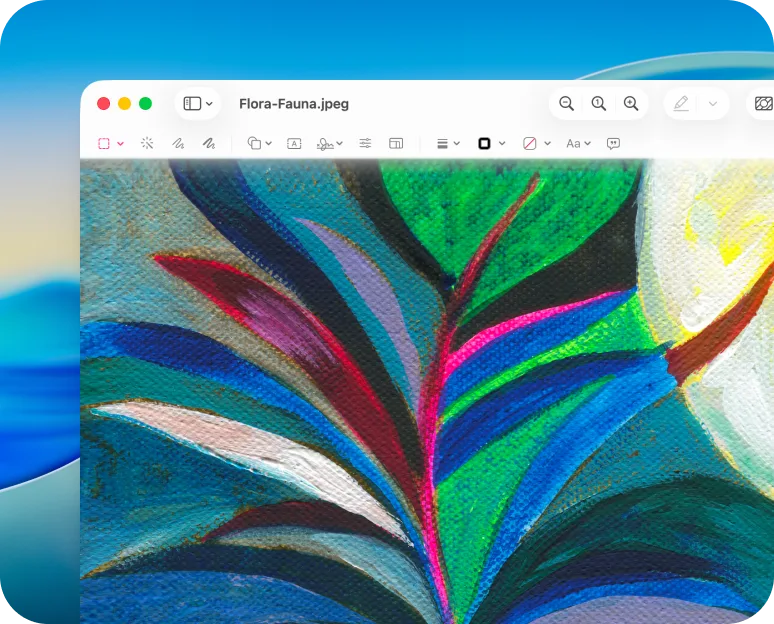
Fast, high-fidelity streaming
- Perceptually lossless visuals
- Retina support
- Proprietary multi-codec system
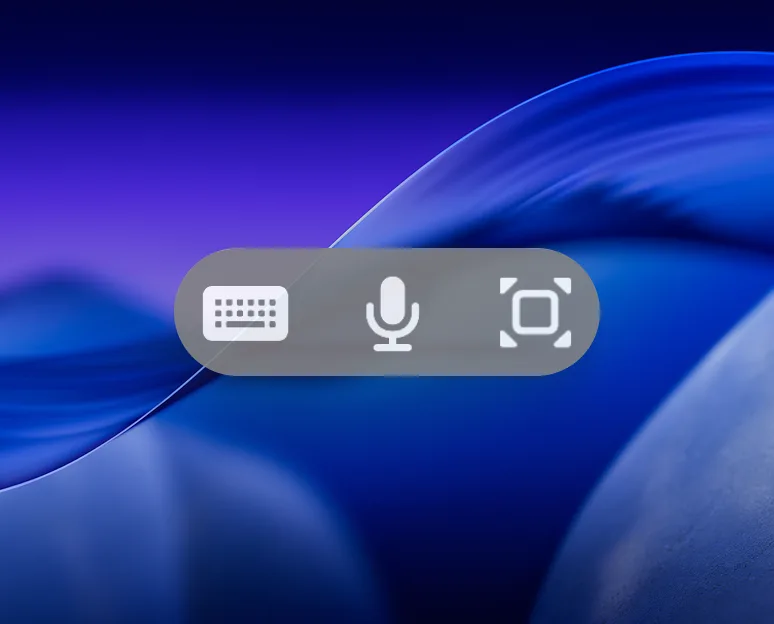
Voice input control
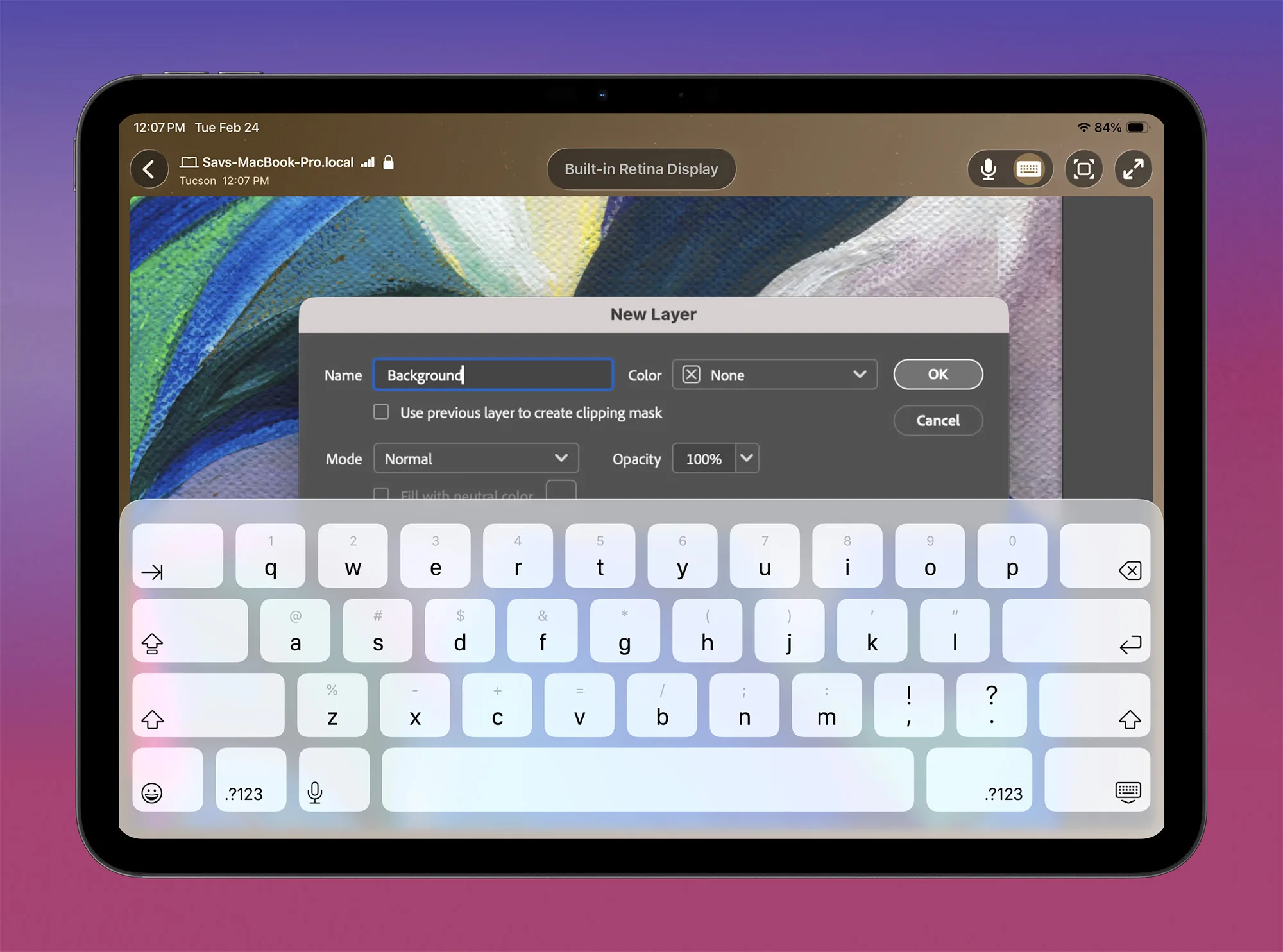
- Dictate prompts and commands directly to your Mac from your iPhone or iPad
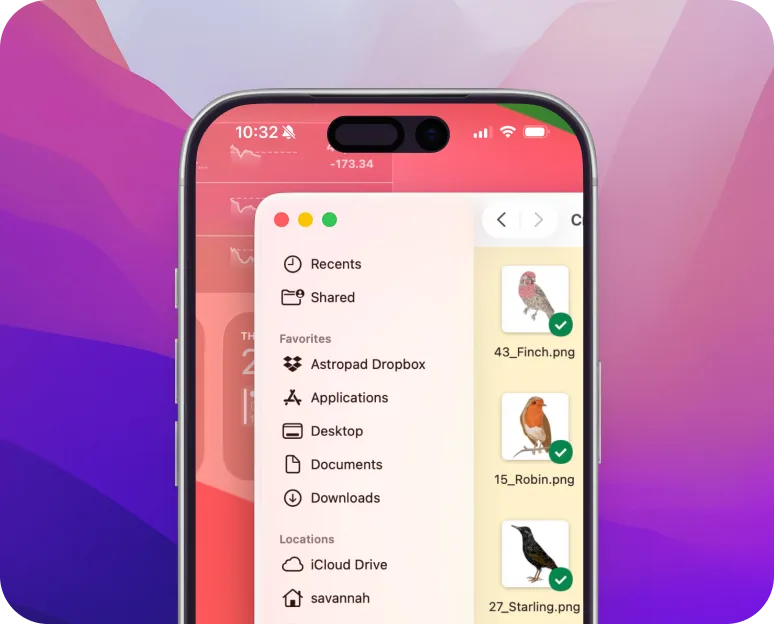
Built for Apple devices
- Workbench uses fully native apps built specifically for Mac, iPad, and iPhone
Your agents don’t stop
when you leave your desk
Running AI agents on a headless Mac mini? You still need to see what's happening.
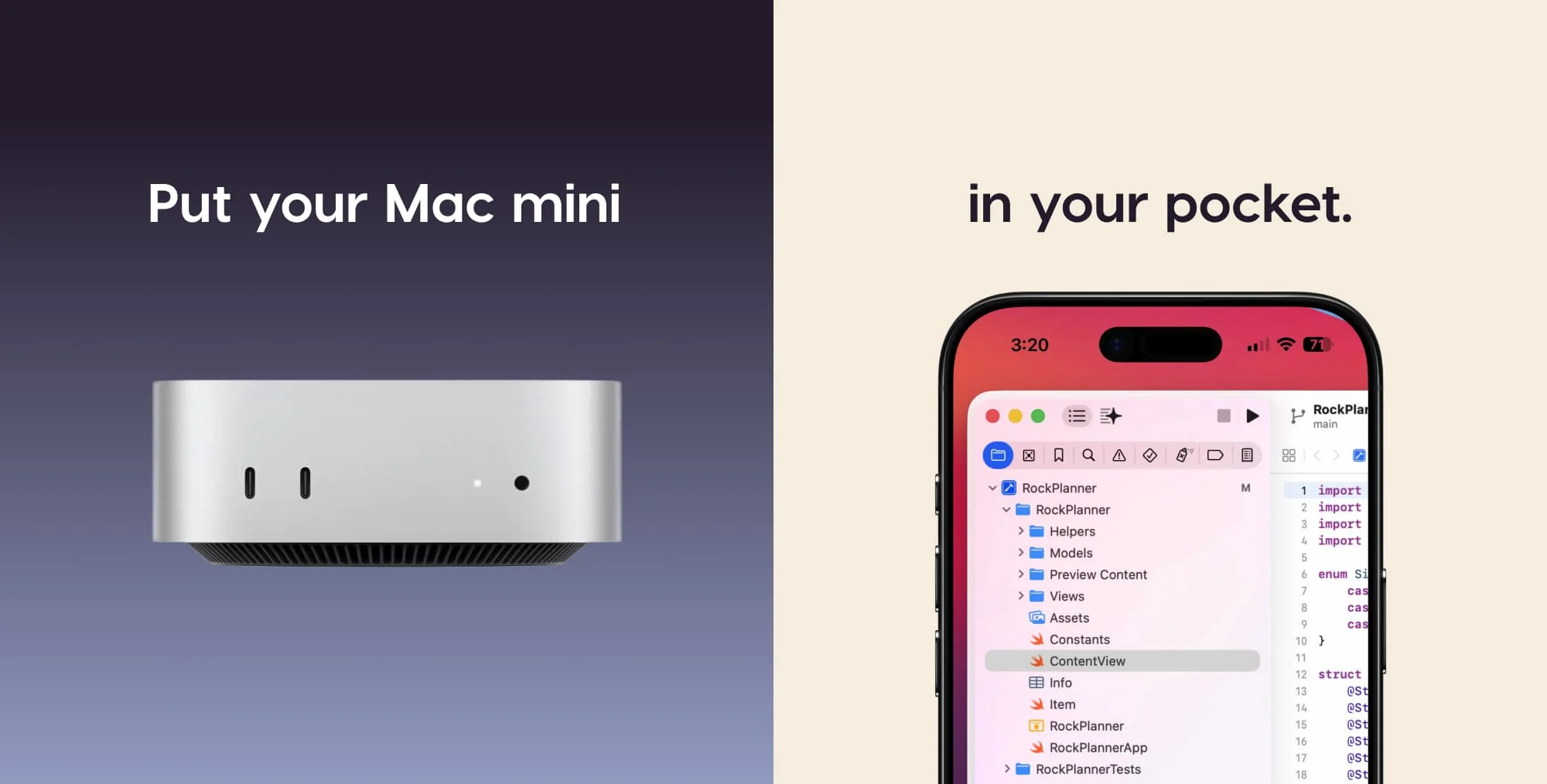
Remote Workflows
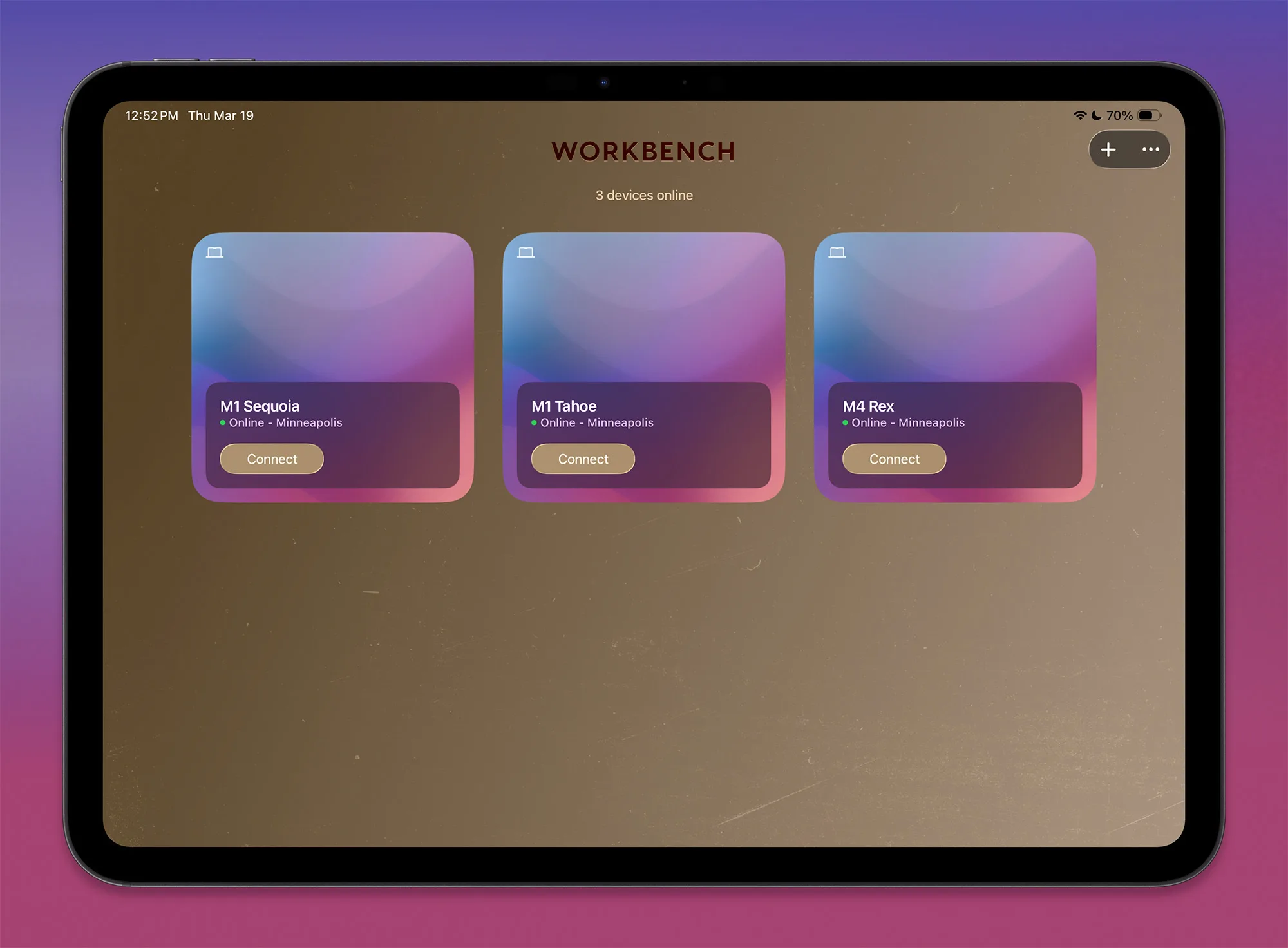
Keep tabs on your AI agents
Babysit your agents from anywhere, without being tethered to your desk.
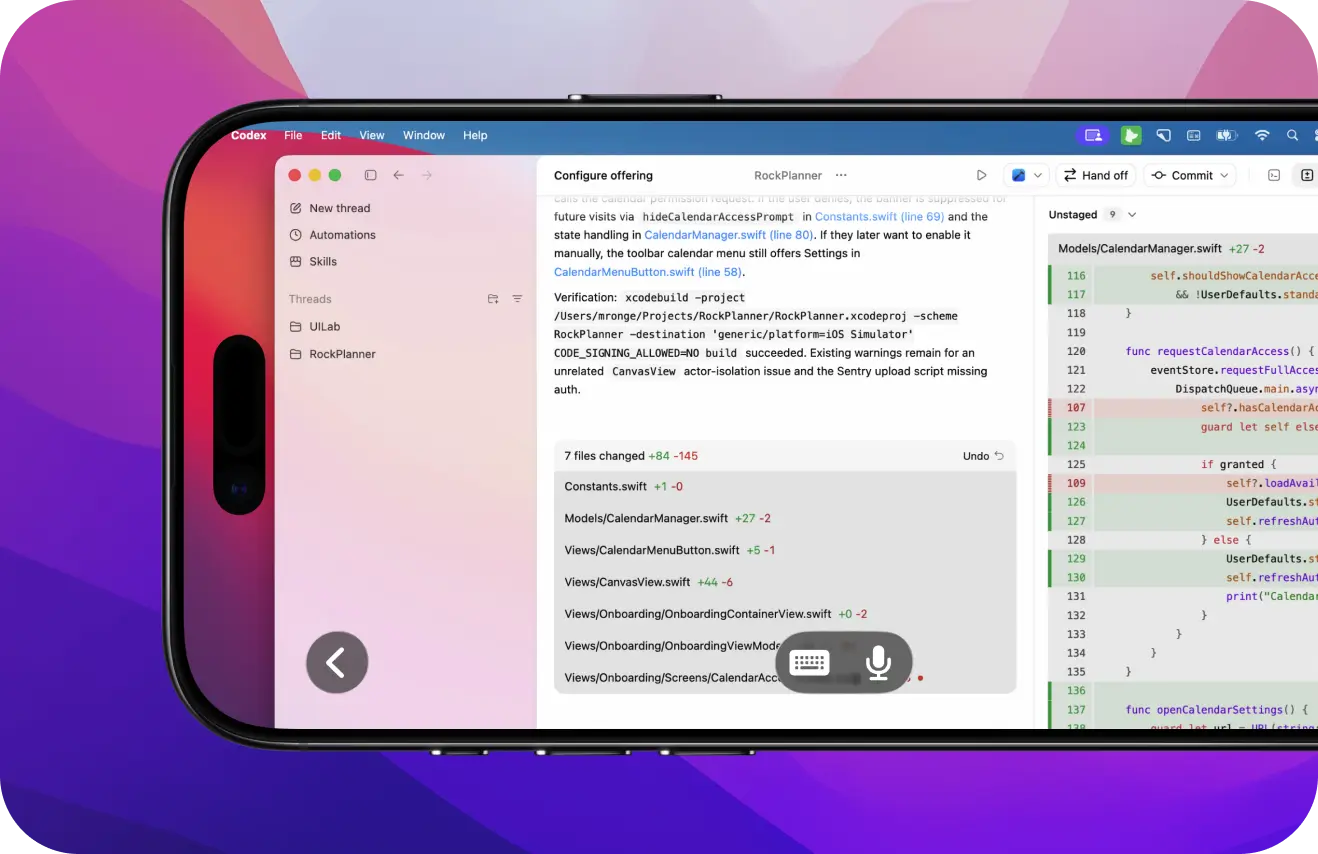
Monitor jobs in real time
Review logs and progress as your AI agents run behind the scenes. Spot issues, make changes, and restart automated jobs without being tethered to your desk.
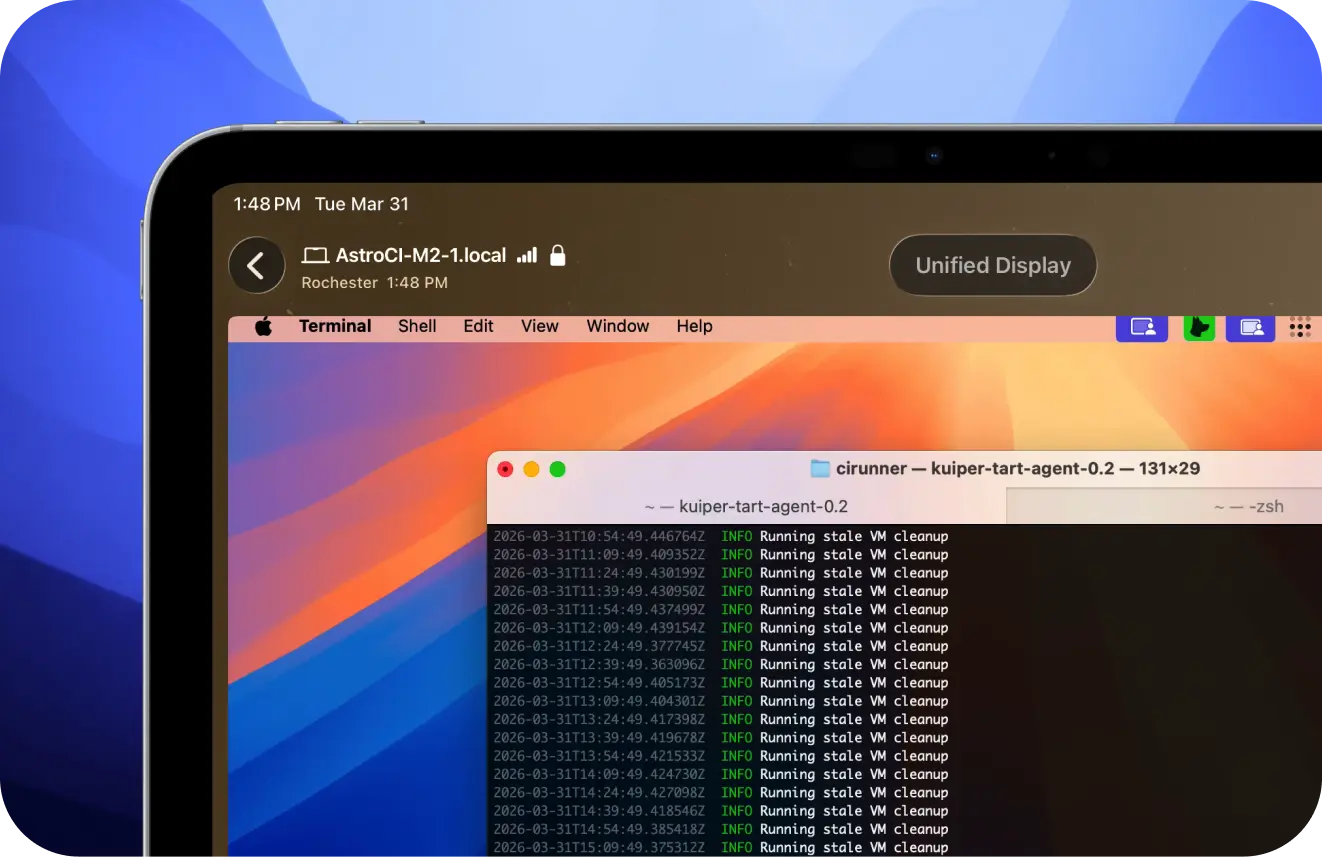
Manage headless machines
Running your Mac mini as a dedicated AI computer? Use Workbench to check in remotely and make changes without connecting to additional monitors or peripherals.
Headless Mac Mini Setup GuideWhy Workbench
Designed for seamless remote control
"The easiest way to gain remote access to a Mac"
Here's what real people are saying about Workbench:
Using Workbench
Input that moves
as fast as your workflow
Control your Mac using the input methods you already rely on.

Apple Pencil support
Use Apple Pencil for precise cursor control when interacting with apps on your Mac.
Gestures
Use familiar gestures to zoom, pan, and navigate your Mac from your iPad or iPhone.
Middle mouse
Navigate 3D tools, CAD software, and other precision workflows using full middle mouse support.
Speech-to-text
Dictate text from your iPhone or iPad and send it directly to your Mac.
Powered by LIQUID
Blazing fast & crystal clear
Workbench is built on Astropad’s proprietary LIQUID technology — the same engine that powers Luna Display and Astropad Studio.
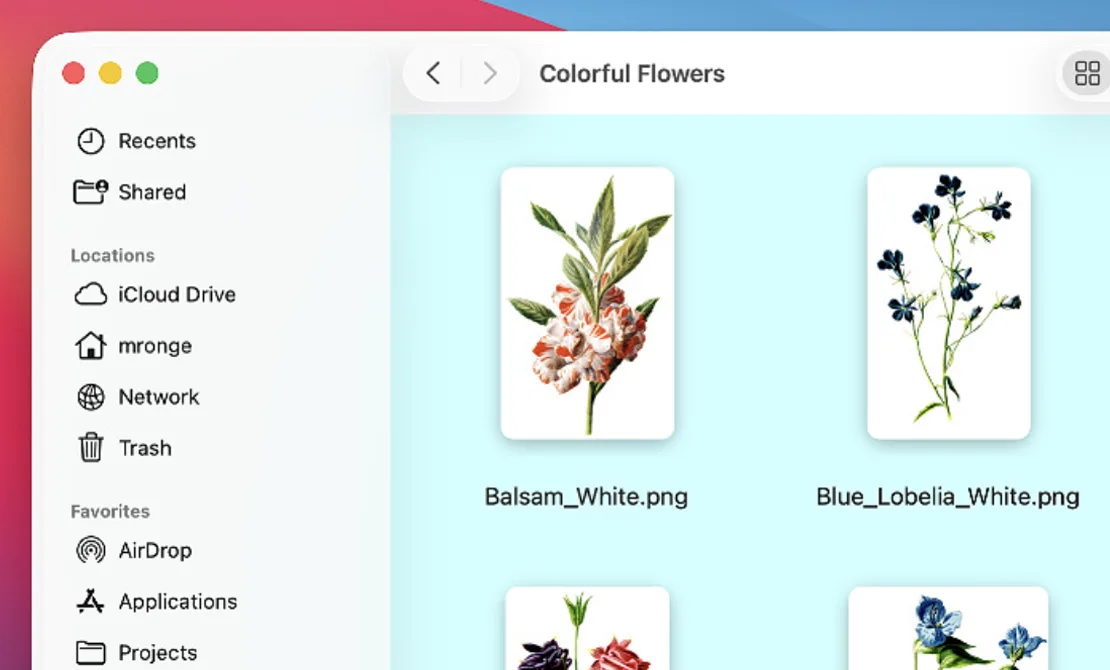
 TeamViewer
 Workbench
 Ultra low latency
Interact with your Mac in real time with extremely low latency, even on high-resolution displays.
Vibrant colors
Display rich, vibrant content in full color without the heavy compression or clipping common in many remote desktop apps.
Velocity control
Maintain smooth zooming, panning, and scrolling as LIQUID adapts to changing network conditions.
Proprietary multi-codec system
Experience crisp visuals and responsive performance as LIQUID selects the optimal codec for each frame.
Retina support
Enjoy high-resolution visuals optimized for Retina and high-density displays.
Visually lossless
Get a clear view with clean visuals and minimal artifacts or clutter.

Seamless access, anywhere in the world
Built on a global relay network
Most remote desktop tools require router tweaks, firewall fixes, or fragile NAT tricks. Workbench just connects.
Our global relay network spans 11 regions and intelligently routes your session for fast, reliable performance anywhere in the world.
Connect instantly without port forwarding, complicated network configurations, or manual setup.
Locked down with end-to-end encryption
With end-to-end AES-256 encryption, your screensharing sessions stay completely private.
Sessions are transmitted securely, and no one, including us, can see your screen, keyboard, mouse, or any of your activity.
Workbench is designed from the ground up using modern security best practices so that your work and data stay protected.
Frequently Asked Questions
What are the system requirements for Workbench?
Workbench requires the following: - Mac: macOS 15 or later - iPhone: iOS 26 or later - iPad: iPadOS 26 or later Apple Silicon is strongly preferred. Intel Macs are supported but limited to the LIQUID codec only. H265 is not available on Intel hardware. Workbench does not support Windows.Can I use Workbench over VPN or with firewalls?
Workbench works over most VPN connections and firewall configurations. Connections are routed through our global relay network and don’t require port forwarding or manual network configurations.What are the recommended network settings for best performance?
No special configuration is required. Workbench runs on LIQUID, which automatically adapts to your network conditions in real time. For best performance, use a stable wireless or wired connection for both devices.Can I use Workbench with a headless Mac mini?
Yes, Workbench is purpose-built for headless Mac mini setups. Workbench's Unified Display gives your Mac mini a virtual screen so it runs at full resolution without a monitor attached. You get full remote access to your Mac mini's screen, files, and terminal from your iPhone, iPad, or another Mac. It's one of the most common ways people use Workbench.
Try Workbench for free
Unlimited
Get unlimited access
for $14.99/ month or $79.99/ year.
Requires macOS 15+ and iOS 26